
Top AI Image Upscaling Tools for Photographers in 2026
Read about ai upscaling tools for photographers.
What Are AI Upscaling Tools for Photographers?
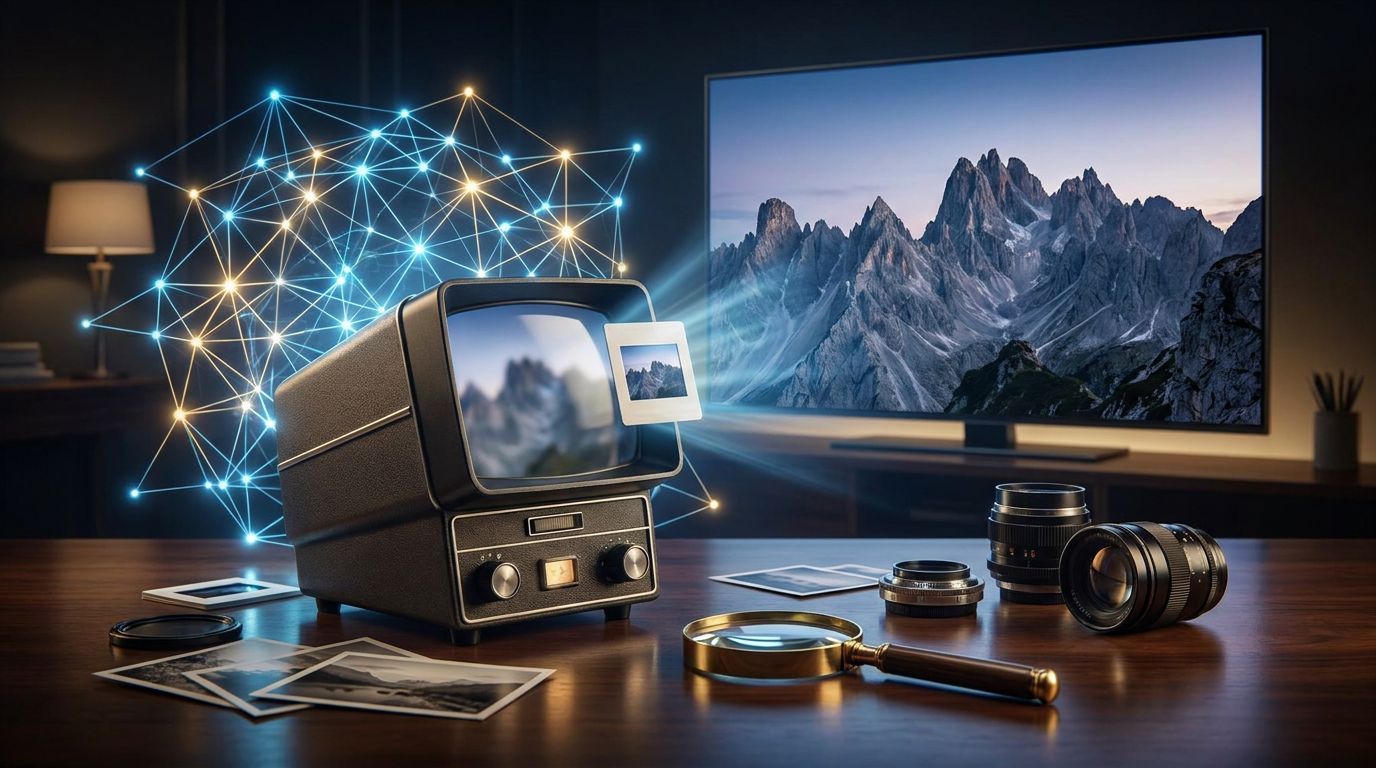
AI upscaling tools are sophisticated software solutions designed to enhance the resolution of images without losing quality. For photographers, these tools are invaluable. They leverage artificial intelligence to analyze images and predict the best way to add pixels, resulting in sharper and more detailed outputs. Unlike traditional methods, AI upscaling preserves textures and reduces noise, making it a game-changer for professionals looking to improve image quality.
In 2026, tools like ImageUpscaler, ON1 Resize AI, and Topaz Gigapixel AI are leading the charge. These platforms cater to photographers and designers who demand high-fidelity enlargements for print or digital use. The tools are accessible to both professionals and casual users, bridging the gap between technical sophistication and user-friendly interfaces.
Why Do AI Upscaling Tools for Photographers Matter?
Image quality is non-negotiable in photography. AI upscaling tools allow photographers to enhance their images significantly, making them suitable for larger prints or high-resolution displays. This technology addresses common issues like pixelation and blurriness, which are prevalent when enlarging photos using traditional methods.
Moreover, the recent release of ON1 Resize AI 2026, which can enlarge images by 700% while maintaining detail (source: ON1), highlights the rapid advancements in this field. Such capabilities empower photographers to push creative boundaries without technical limitations. The ability to upscale images efficiently can also streamline workflows, saving time and resources.
How to Get Started
Starting with AI upscaling tools is straightforward, even for those new to the concept. Here’s a quick guide:
- Choose the Right Tool: Evaluate tools like ImageUpscaler, which offer a balance between ease of use and advanced features. Consider your specific needs—whether it's batch processing, integration with other software, or specific AI models.
- Install and Explore Features: Once you've selected a tool, download and install it. Familiarize yourself with its interface and features. Most tools offer tutorials or guides to help you get started.
- Upload and Upscale: Begin by uploading a sample image. Use the tool's settings to adjust the degree of upscaling. Experiment with different settings to see how they affect the final output.
- Review and Refine: After processing, review the upscaled image. Compare it with the original to assess improvements in quality and detail. Adjust settings as needed for optimal results.
- Integrate into Workflow: Incorporate the tool into your regular editing workflow. Many photographers find that upscaling is best done after other edits, such as color correction or cropping.
Common Pitfalls and How to Avoid Them
While AI upscaling tools are powerful, they are not foolproof. Here are some common pitfalls and strategies to avoid them:
- Over-reliance on Automation: While AI handles much of the heavy lifting, don’t ignore manual adjustments. Fine-tuning settings can make a significant difference in the final product.
- Ignoring Source Quality: The quality of the original image matters. AI can enhance, but it cannot create detail out of nothing. Start with the highest quality source image possible.
- Misunderstanding Tool Capabilities: Not all tools are created equal. Some excel at handling specific types of images or resolutions. Test different tools to understand their strengths and limitations.
- Neglecting Updates: Software updates often bring performance improvements and new features. Regularly update your tools to benefit from the latest advancements.
"AI upscaling transforms the way photographers approach image enhancement, offering unprecedented control over quality and detail."
FAQ
Q. What is the best AI upscaling tool for photographers?
The best AI upscaling tool varies by need, but popular options in 2026 include ImageUpscaler, ON1 Resize AI, and Topaz Gigapixel AI.
Q. Are AI upscaling tools easy to use?
Yes, most AI upscaling tools have user-friendly interfaces that allow photographers to upscale images with just a few clicks.
Q. Can AI upscaling tools improve old photos?
Absolutely! AI upscaling tools can enhance the quality of old or low-resolution photos, making them sharper and more detailed.
Q. Do I need technical skills to use AI upscaling tools?
No technical skills are required; these tools are designed for users of all skill levels, from beginners to professionals.
Q. How much do AI upscaling tools cost?
Pricing varies; some tools offer free versions with limited features, while premium versions can range from monthly subscriptions to one-time purchases.