
What should I do if my MacBook won't turn on?
Find quick solutions for a MacBook that won't turn on. Follow our step-by-step guide to effectively resolve this issue.
 By Gadgetarian apple· Apple Service & Repair Specialist
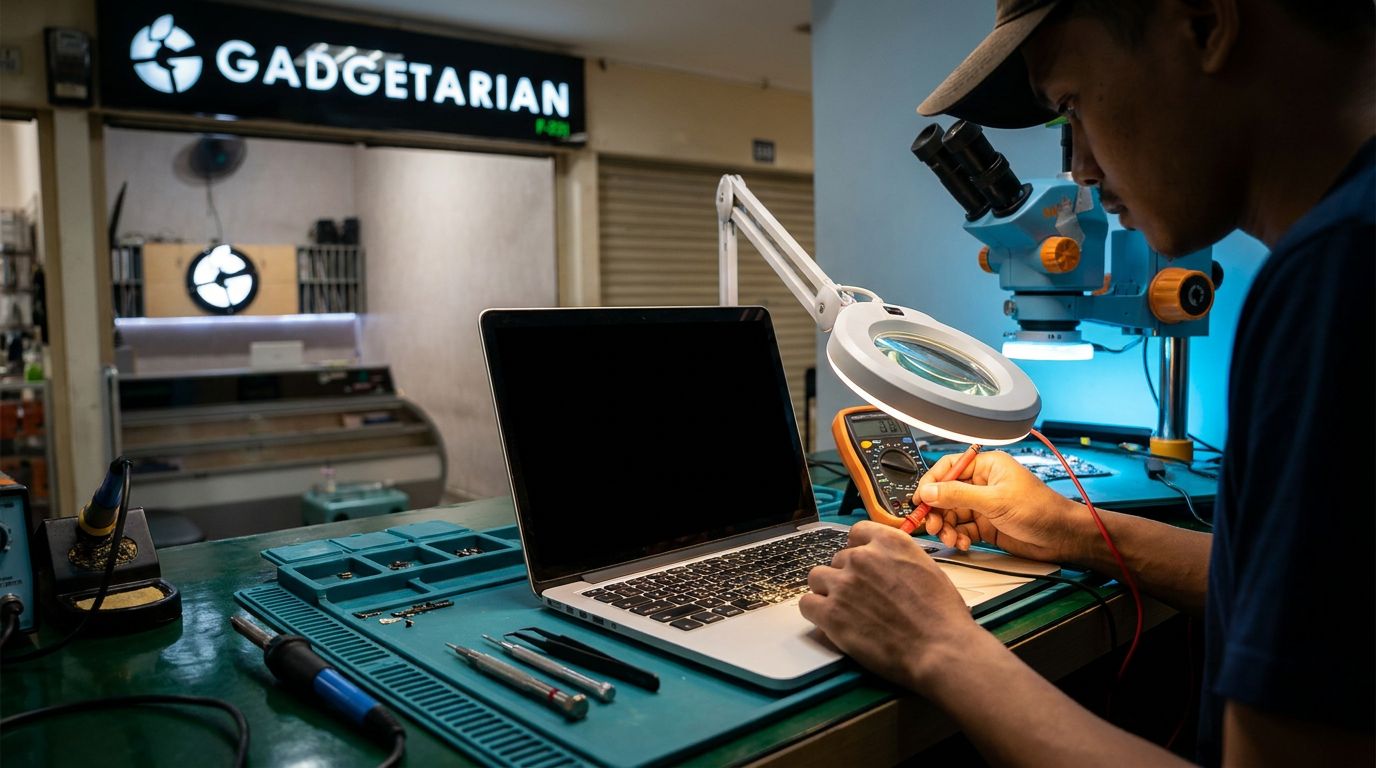
Step One: Check Power and Connections
If your MacBook won't turn on, the first step is to check the power and connections. Often, power issues with a MacBook are caused by poor connections or a charger that isn't functioning properly. Make sure you are using a compatible charger that is in good condition, such as an Original iPhone Charger.
Start by checking if your MacBook is connected to a working power source. Use an outlet that you know is functioning well. If you are using a multi-socket or extension, try plugging directly into the wall. This can help ensure that the issue isn't with the power intermediary.
Once you've confirmed the power source, check the power cable and adapter. Make sure there is no physical damage to the cable, such as tears or sharp bends that could disrupt the flow of electricity. If there is damage, consider replacing the cable with a new one. Don't forget to use an original charger or one with the same specifications to avoid further issues.
The next step is to ensure that the power port on your MacBook is clean and free from dust or dirt. Dust can obstruct connections and prevent effective charging. Use low-pressure air to carefully clean the power port, or use a small, soft brush.
If after all these steps your MacBook still won't turn on, try using another charger that you know works well. This will help determine whether the issue lies with the charger or the MacBook itself. If the MacBook turns on with a different charger, then it's likely that your charger is the problem and needs to be replaced.
Addressing power and connection issues is a crucial first step in finding a solusi MacBook tidak menyala. By performing these basic checks, you can save time and costs before deciding to take your device to a professional repair service. If the problem persists, consider contacting services like Gadgetarian apple that offer fast and quality repair services in Bandung.
Step Two: Perform an SMC Reset
Once you have ensured that the power and connections are in good condition, the next step is to perform an SMC (System Management Controller) reset on your MacBook. The SMC is responsible for various low-level functions on Intel-based Mac computers, such as power management and battery charging. Resetting the SMC can be an effective solution for a MacBook that won't turn on if the issue is related to power or the battery.
To perform an SMC reset, follow these steps:
- Shut down your MacBook. Make sure the MacBook is completely off and not in sleep mode.
- Plug in the MagSafe or USB-C power adapter to your MacBook and to a power source. Ensure that the power source is functioning properly.
- Press and hold the Shift (left) + Control (left) + Option (left) + power button for 10 seconds. Make sure you press all four keys simultaneously.
- Release all keys and then press the power button to turn on your MacBook. If successful, the MacBook should power on as usual.
This SMC reset will not affect the data on your MacBook, so it is safe to perform. However, if your MacBook still does not turn on after the SMC reset, the issue is likely more complex and may require professional handling. You may want to consider using a trusted MacBook repair service in Bandung.
Before you decide to contact a technician, make sure you have completed all these basic steps. Not only will this save you time, but you can also avoid unnecessary repair costs. If you feel comfortable with technical steps, performing an SMC reset is an effective way to address MacBook power issues. However, if you are unsure, it is best to consult with an experienced MacBook technician in Bandung. This way, you can ensure that the repair is done correctly and efficiently.
Step Three: Check the Screen and Hardware
After ensuring that power and connections are not the issue, the next step is to check the screen and hardware of your MacBook. In many cases, a malfunctioning screen can lead you to believe that the MacBook is not turning on, when in fact, there is just a display issue.
First, check for any physical damage to the screen. Cracks or other damage can interfere with screen functionality. If the screen looks fine, try connecting your MacBook to an external monitor. This will help you determine whether the issue is indeed with the screen or if there are other components at fault. If the display appears on the external monitor, then the problem is likely with your MacBook's screen.
In addition to the screen, also check other hardware components such as the RAM and hard drive. These components can cause the MacBook not to turn on if they are damaged. You can try removing and reseating the RAM to ensure a good connection. However, if you are not comfortable doing this yourself, it's best to leave it to a professional technician.
Before deciding to replace any faulty parts, consider the costs and time involved. For example, replacing a MacBook screen can be quite expensive and may take several days. Compare repair options with purchasing a new device, especially if your MacBook is already quite old.
It's important to remember that while you can perform some checks yourself, not all issues can be resolved without professional help. If after these steps your MacBook still does not turn on, consider reaching out to a reputable repair service. Make sure they have a good reputation and experience in handling Apple devices to get an effective solusi MacBook tidak menyala.
By conducting a thorough check of the screen and hardware, you can more accurately identify the problem and take the most appropriate steps to fix it.
Step Four: Consult a Professional Technician
When all initial steps have been taken but your MacBook still won't turn on, it's time to consult a professional technician. Seeking professional MacBook repair services in Bandung can be the right solution for more complex MacBook power issues. Experienced technicians can diagnose problems that may be hidden and cannot be resolved with simple solutions like resetting the SMC.
Before choosing a technician, there are several things to consider:
- Reputation and Reviews: Look for technicians or service providers with positive reviews and a good reputation in the community. This can be an indicator that their services are trustworthy and of high quality.
- Specialization: Ensure the technician has specific experience in repairing MacBooks. Technicians who focus on Apple devices are usually more familiar with specific issues that general technicians may not know.
- Cost and Warranty: Compare repair costs and ensure there is a warranty for the work done. This is important to ensure that you are getting value for your money and there is a guarantee if the same issue arises again.
After selecting the right technician, you may need to take your MacBook to their location for further inspection. The technician will conduct a thorough diagnostic to determine the exact cause of the problem. This process may involve replacing faulty components or more complex hardware repairs.
Using professional services may require a significant cost, but it is a worthwhile investment if you rely on your MacBook for work or study. Remember that the most effective solution for a MacBook that won't turn on is one that addresses the root cause, not just the symptoms. With the help of the right technician, you can ensure that your MacBook is back to optimal functioning and ready to be used again in no time.
Repair Costs and Time
Determining the costs and time required to repair a MacBook that won't turn on can vary depending on several factors. First, identify the underlying issue. Is it a power problem like a faulty charger, or is there a hardware component that needs to be replaced? Each issue has different cost and time implications.
If the problem lies with the charger, replacing it with a high-quality product can be a solution. This product is compatible with Lightning cable types and can be used for charging or syncing with laptops and computers. Replacing the charger is usually quicker and more economical than more complicated hardware repairs.
For hardware issues, such as damage to the motherboard or other internal components, the repair costs and time will be more significant. The first step is to get a diagnosis from an experienced technician. Choosing the right MacBook repair service is key. Make sure the technician you choose has a good reputation and experience in handling Apple devices. This will ensure that the repair is done to a high standard and minimize the risk of further damage.
Hardware repair costs can vary depending on the damaged part and the complexity of the repair. For example, motherboard repairs can take several days and costs can reach millions of rupiah, depending on the extent of the damage and the parts needed.
Be sure to get an estimate of the repair costs and time before deciding to proceed. A transparent service will provide clear cost details and realistic repair timelines. This will help you manage your expectations and budget better.
In short, understanding the costs and time involved in repairing a MacBook is an important step in the process of getting your device back to working order. By choosing the right service and understanding what is involved, you can ensure that your MacBook is back to optimal functioning without unexpected costs.
Final Result: MacBook is Functioning Again
After going through a series of repair steps, your MacBook is finally functioning again. When your MacBook is not turning on, it can be a frustrating experience, especially if you rely heavily on the device for work or study. However, by following the right steps, you can resolve this issue without having to replace the device entirely.
If you have checked the power and connections, performed an SMC reset, and inspected the screen and hardware, and still find the problem persists, it may be time to consult a professional technician. In Bandung, there are various MacBook repair services that can assist you. However, choosing the right service is crucial. You should consider the reputation, experience, and expertise of the available technicians. Don’t hesitate to ask about their experience with similar issues and how long the repair is expected to take.
Cost and repair time are also important considerations. If you have replaced components like the charger, ensure that the repair costs do not exceed the value of the device itself. Often, small repairs can save you from significant expenses in the future.
With your MacBook functioning again, you can continue your activities without interruption. Remember to always take good care of your device, including using original accessories like the Gadgetarian apple Charger Head to ensure optimal performance. Using original products not only extends the lifespan of the device but also reduces the risk of future damage. Thus, you not only find a solution for your MacBook's power issue but also make a long-term investment in your device.
Through the right steps and regular maintenance, your MacBook can continue to function well, providing value beyond just being an electronic device.
FAQ
What causes a MacBook not to turn on?
Common causes include power issues, hardware damage, or system problems that require an SMC reset.
How do I reset the SMC on a MacBook?
Resetting the SMC can be done by following Apple's guidelines, which vary depending on your MacBook model.
How much does it cost to repair a MacBook that won't turn on?
Repair costs vary depending on the issue found. Consult with a repair service for an accurate estimate.